Home Services Support Automation: What to Automate First
Home Services Support Automation: What to Automate First
Insights
15 min

Home services support automation means letting software answer the routine questions, capture leads and book jobs on every channel your customers use, while your crew stays on the roof, under the sink or in the attic. The best place to start is the work that repeats all day: “Do you service my zip code?”, “Can someone come Thursday?”, “Where is my technician?” Automate those first, keep people for the complicated and sensitive conversations, and measure the result.
This guide shows what to automate, how to roll it out across calls, chat, WhatsApp and social messages, what to watch for on privacy, and how to tell whether it is paying off.
Droxydroxy.aiAnswer Home Service Leads FasterDroxy lets you deploy AI agents across chat, phone, WhatsApp, Instagram, and Facebook to answer customer inquiries around the clock.Explore Droxy
TL;DR
Home services support automation is not smart-home tech. It is software that answers customers, captures leads, books appointments and follows up for your business.
Start with high-volume, low-risk tasks: FAQs, service-area checks, appointment booking, reminders and after-hours intake.
Connect the agent to your calendar, CRM and knowledge base, and set clear rules for handing a conversation to a person.
Respect consent rules for calls and texts, and keep sensitive or upset customers with a human.
Track response time, booking rate, handoff rate and ticket volume to prove it works.
Table of Contents
What home services support automation actually means
Why home service businesses feel the pressure first
Which support tasks to automate first
Covering every channel your customers use
How to choose and implement support automation
Chatbot or AI agent?
Privacy, consent and safe use
Applying the same approach beyond home services
How to measure whether it is working
Our perspective
Putting it to work with Droxy
Sources
What home services support automation actually means
The phrase gets mixed up with a different topic. Home automation, as the installers’ trade body CEDIA describes it, covers preset actions that happen without manual intervention, like scheduled heating or motion-activated lights. That is about the house.
Home services support automation is about the business that serves the house: the plumber, HVAC contractor, electrician, cleaner, roofer or landscaper. It covers every customer touchpoint where someone asks a question or wants a job done:
Inbound calls and voicemails
Website chat and contact forms
WhatsApp, Instagram and Facebook messages
Quote requests and estimate follow-ups
Appointment confirmations, reminders and rescheduling
Post-job questions and review requests
The goal is simple: every customer gets an answer right away, and every real lead lands in front of you with the details attached.
Why home service businesses feel the pressure first
Most home service work is urgent and local. A homeowner with a leaking pipe or a dead AC unit contacts several businesses and tends to go with whoever responds first. Meanwhile your people are on jobs, driving, or off the clock, and the phone keeps ringing.
That creates a familiar pattern:
A call or message arrives while the team is busy.
It waits for a callback that happens hours later.
The customer has already booked someone else.
Automation closes that gap. An AI agent replies in seconds, any hour, and it never puts a customer on hold. You still decide what it says, what it can book and when it passes the baton.
Which support tasks to automate first
Not every task deserves automation on day one. Rank them by volume and risk. High volume and low risk goes first.
Task | Volume | Risk | Automate? |
|---|---|---|---|
Business hours, service area, pricing ranges | High | Low | Yes, first |
Appointment booking and rescheduling | High | Low | Yes, first |
After-hours lead capture | High | Low | Yes, first |
Reminders and confirmations | High | Low | Yes |
Quote follow-ups | Medium | Medium | Yes, with your approved wording |
Technician status (“where is my tech?”) | Medium | Medium | Yes, if connected to dispatch data |
Emergency triage (gas smell, flooding) | Low | High | Route straight to a person |
Billing disputes and complaints | Low | High | Hand off to a person |
Questions with repeatable answers
Pull the last 50 questions your office received. You will likely find the same ten over and over: what you charge for a diagnostic visit, which areas you cover, whether you are licensed, how soon you can arrive, what brands you work on. Put those answers in a knowledge base and let the agent handle them.
Lead capture and qualification
A good agent does more than say “someone will call you back.” It asks the questions your dispatcher would ask: what is the problem, what is the address, how urgent is it, what is the best phone number. Then it hands you a clean summary instead of a vague voicemail.

Booking and follow-up
If the agent can see your calendar, it can offer real time slots and book the job. Afterward it can send reminders, collect missing details and follow up on quotes that went quiet. Our guide to AI appointment booking tools walks through what to look for.
Covering every channel your customers use
Customers do not pick channels the way a business would. One person calls, another taps the chat bubble on your site, a third sends an Instagram message after seeing a finished job. Treat each as a front door.
Phone: An AI phone agent answers calls, collects job details and books visits. Overflow and after-hours calls are the easiest place to begin. See our AI phone agent.
Website chat: Visitors comparing contractors want an answer before they leave the page. A website agent can answer, qualify and book in the same conversation.
WhatsApp: Useful for customers and communities that prefer messaging for scheduling and photos of the problem. See the WhatsApp agent.
Instagram and Facebook: Home service work is visual, and the direct messages that follow a project photo are often warm leads. The Instagram agent and Facebook agent keep those from sitting unread.
The key is one shared brain. If the same knowledge base and booking rules sit behind every channel, a customer gets the same accurate answer whether they call, chat or message.
How to choose and implement support automation
1. Fix the process before you automate it
An agent follows the process you give it. If your booking rules are fuzzy, it will be fuzzy too. Write down how you handle a new inquiry: what you ask, what you quote, which jobs you decline, when you send an emergency crew.
2. Build your knowledge base from what you already have
Gather your website pages, price sheets, service descriptions, FAQs and past email replies. A strong platform lets you combine multiple sources so the agent answers from your material rather than guessing.
3. Set the voice
Your agent speaks for you, so it should sound like your company: friendly, plain-spoken, confident. Tone settings and example phrasing matter more than most owners expect. Customers should feel a helpful office manager, not a script.
4. Connect it to your systems
An agent that cannot touch your calendar, CRM or job management software just creates more homework. Look for API access and Zapier-style connections so new leads, bookings and notes flow where your team already works. For a technical view of linking bots to back-end systems, this enterprise chatbot rollout guide covers the architecture side.
5. Design the human handoff
Decide in advance when a person takes over, and make it effortless:
The customer asks for a person
The customer sounds upset or mentions a complaint
The job involves safety, such as gas, electrical hazards or flooding
The agent is unsure or the question falls outside the knowledge base
A high-value job, like a full system replacement, needs a personal touch
When the handoff happens, the full conversation should travel with it, so the customer never repeats themselves.
6. Launch narrow, then widen
Start with one channel and a handful of tasks, for example after-hours calls and website chat. Read the conversations daily for the first week, fix gaps in the knowledge base, then add channels. Our overview of customer service automation explains the building blocks in more depth.
Chatbot or AI agent?
Older chatbots follow rigid menus and break when a customer words things differently. An AI agent understands free-form questions, pulls answers from your knowledge, and can take actions like booking. If you are weighing the two, our comparison of an AI agent versus a chatbot lays out the differences. For phone coverage specifically, see how automated answering services compare with live call centers.
Privacy, consent and safe use
Automation touches customer data and customer phone numbers, so build in good habits from the start.
Consent for calls and texts. In the US, the Telephone Consumer Protection Act generally requires prior express consent before robocalls or robotexts, and the FCC says people can opt out of robocalls and robotexts at any time in any reasonable manner. Make sure your sign-up forms capture consent clearly, honor opt-outs right away, and ask your attorney how the rules apply to your outreach, especially marketing messages and follow-ups.
Collect only what you need. An agent booking a drain cleaning needs a name, address, phone number and a description of the problem. It does not need anything more sensitive. Limit what the agent asks for and what it stores.
Be open that it is an AI. Customers appreciate knowing, and a quick line at the start of a chat or call, with an easy route to a person, builds trust.
Keep complaints and sensitive cases human. Upset customers, safety situations and disputes belong with your team. Build those triggers into your handoff rules from day one.
If you serve customers abroad, privacy laws differ by country. The rules mentioned here are US rules, so check the law where your customers live.

Applying the same approach beyond home services
The pattern carries across industries that live on inquiries and appointments:
Ecommerce: Answer order, shipping and return questions instantly, recommend products and cut ticket volume.
Hospitality: Handle booking questions, availability and guest requests around the clock.
Real estate: Respond to listing inquiries fast and book showings. Our real estate chatbot ideas include sample scripts.
Healthcare practices: Handle scheduling and general practice information, with staff taking anything clinical.
Agencies and consultants: Deploy agents for clients under your own brand through white-labeling.
How to measure whether it is working
Set your baseline before launch, then check these numbers weekly for the first month and monthly after that.
First response time. It should drop to seconds on every channel.
Missed inquiry rate. Count calls and messages that got no reply. The target is zero.
Lead-to-booking rate. What share of captured leads turn into scheduled jobs?
Handoff rate. Too high means gaps in the knowledge base. Too low may mean the agent is holding on to conversations that need a person.
Support ticket or call volume handled without staff. This shows the hours you get back.
Customer feedback. Read a sample of conversations and look at post-job reviews for comments about responsiveness.
Analytics inside the platform should show most of this. Review the transcripts too. The numbers tell you what happened, and the conversations tell you why.
Our perspective
We built Droxy around a simple observation: most service businesses do not lose jobs because their work is poor. They lose them because nobody answered in time.
That is why we focus on agents that sound like your company, work on the channels your customers already use, and connect to the systems you already run. Phone, website chat, WhatsApp, Instagram, Facebook and Shopify sit behind one platform, so your answers stay consistent and your leads end up in one place.
We also believe automation works best when people stay in the loop. Human handoff, smart routing and analytics are part of the platform because the aim is not to replace your team. It is to free them for the work only they can do, and to make sure no customer waits.
For agencies and consultants, we built white-labeling so you can create agents for your own clients under your brand and manage access from one place.
Elena
Putting it to work with Droxy
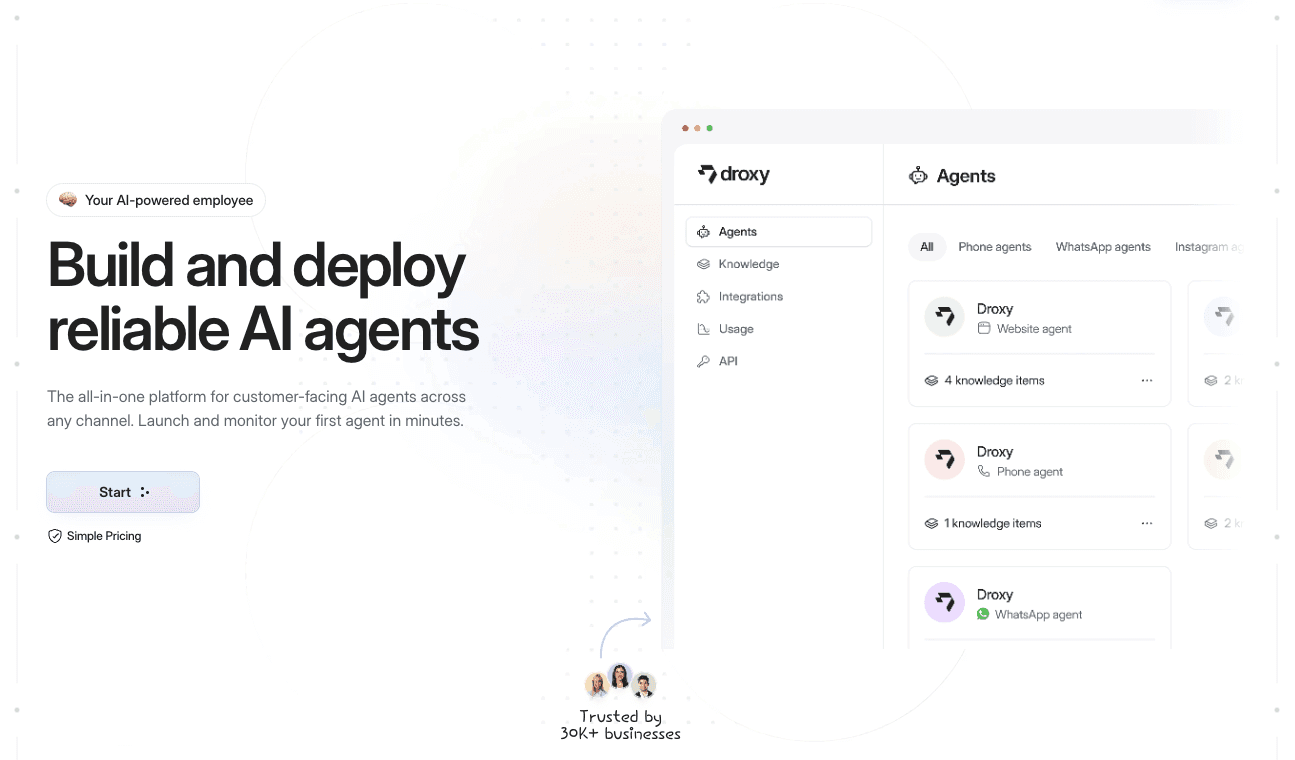
Droxy is a no-code platform for deploying AI agents that answer customers on website chat, phone, WhatsApp, Instagram, Facebook and Shopify. You customize the voice, connect your knowledge sources and systems, set the human handoff rules and watch results in analytics.
Plans start from $16 per month for Basic, $80 per month for Advanced and $240 per month for Enterprise. Compare them on the Droxy pricing page.
Ready to stop missing inquiries? Get started with Droxy and put your first agent on the channel where you lose the most leads.
FAQ
Is home services support automation the same as smart home automation?
No. Smart home automation controls devices inside a house, such as lights or heating. Home services support automation helps a service business answer customers, capture leads and book jobs. They share the word “automation” and little else.
What should a plumber, HVAC or electrical company automate first?
Start with after-hours calls, website chat, service-area and pricing questions, and appointment booking. These repeat daily and carry low risk. Keep emergencies, complaints and big quotes with a person.
Will customers be upset to talk to an AI agent?
Most customers care about a fast, accurate answer. Tell them up front that they are talking with an AI assistant, keep the tone natural and make it easy to reach a person. A well-tuned agent with a clean handoff usually feels helpful rather than frustrating.
Do I need a developer to set this up?
Not with a no-code platform. You build the agent by adding your knowledge sources, setting the voice and choosing the channels. Connecting your calendar or CRM can be done through Zapier or the API, and a developer can help if you want a deeper integration.
How do I know if the automation is paying off?
Track first response time, missed inquiries, lead-to-booking rate, handoff rate and the volume of inquiries handled without staff. Compare each number with your pre-launch baseline after the first month.
Sources
Recommended
Home services support automation means letting software answer the routine questions, capture leads and book jobs on every channel your customers use, while your crew stays on the roof, under the sink or in the attic. The best place to start is the work that repeats all day: “Do you service my zip code?”, “Can someone come Thursday?”, “Where is my technician?” Automate those first, keep people for the complicated and sensitive conversations, and measure the result.
This guide shows what to automate, how to roll it out across calls, chat, WhatsApp and social messages, what to watch for on privacy, and how to tell whether it is paying off.
Droxydroxy.aiAnswer Home Service Leads FasterDroxy lets you deploy AI agents across chat, phone, WhatsApp, Instagram, and Facebook to answer customer inquiries around the clock.Explore Droxy
TL;DR
Home services support automation is not smart-home tech. It is software that answers customers, captures leads, books appointments and follows up for your business.
Start with high-volume, low-risk tasks: FAQs, service-area checks, appointment booking, reminders and after-hours intake.
Connect the agent to your calendar, CRM and knowledge base, and set clear rules for handing a conversation to a person.
Respect consent rules for calls and texts, and keep sensitive or upset customers with a human.
Track response time, booking rate, handoff rate and ticket volume to prove it works.
Table of Contents
What home services support automation actually means
Why home service businesses feel the pressure first
Which support tasks to automate first
Covering every channel your customers use
How to choose and implement support automation
Chatbot or AI agent?
Privacy, consent and safe use
Applying the same approach beyond home services
How to measure whether it is working
Our perspective
Putting it to work with Droxy
Sources
What home services support automation actually means
The phrase gets mixed up with a different topic. Home automation, as the installers’ trade body CEDIA describes it, covers preset actions that happen without manual intervention, like scheduled heating or motion-activated lights. That is about the house.
Home services support automation is about the business that serves the house: the plumber, HVAC contractor, electrician, cleaner, roofer or landscaper. It covers every customer touchpoint where someone asks a question or wants a job done:
Inbound calls and voicemails
Website chat and contact forms
WhatsApp, Instagram and Facebook messages
Quote requests and estimate follow-ups
Appointment confirmations, reminders and rescheduling
Post-job questions and review requests
The goal is simple: every customer gets an answer right away, and every real lead lands in front of you with the details attached.
Why home service businesses feel the pressure first
Most home service work is urgent and local. A homeowner with a leaking pipe or a dead AC unit contacts several businesses and tends to go with whoever responds first. Meanwhile your people are on jobs, driving, or off the clock, and the phone keeps ringing.
That creates a familiar pattern:
A call or message arrives while the team is busy.
It waits for a callback that happens hours later.
The customer has already booked someone else.
Automation closes that gap. An AI agent replies in seconds, any hour, and it never puts a customer on hold. You still decide what it says, what it can book and when it passes the baton.
Which support tasks to automate first
Not every task deserves automation on day one. Rank them by volume and risk. High volume and low risk goes first.
Task | Volume | Risk | Automate? |
|---|---|---|---|
Business hours, service area, pricing ranges | High | Low | Yes, first |
Appointment booking and rescheduling | High | Low | Yes, first |
After-hours lead capture | High | Low | Yes, first |
Reminders and confirmations | High | Low | Yes |
Quote follow-ups | Medium | Medium | Yes, with your approved wording |
Technician status (“where is my tech?”) | Medium | Medium | Yes, if connected to dispatch data |
Emergency triage (gas smell, flooding) | Low | High | Route straight to a person |
Billing disputes and complaints | Low | High | Hand off to a person |
Questions with repeatable answers
Pull the last 50 questions your office received. You will likely find the same ten over and over: what you charge for a diagnostic visit, which areas you cover, whether you are licensed, how soon you can arrive, what brands you work on. Put those answers in a knowledge base and let the agent handle them.
Lead capture and qualification
A good agent does more than say “someone will call you back.” It asks the questions your dispatcher would ask: what is the problem, what is the address, how urgent is it, what is the best phone number. Then it hands you a clean summary instead of a vague voicemail.
Booking and follow-up
If the agent can see your calendar, it can offer real time slots and book the job. Afterward it can send reminders, collect missing details and follow up on quotes that went quiet. Our guide to AI appointment booking tools walks through what to look for.
Covering every channel your customers use
Customers do not pick channels the way a business would. One person calls, another taps the chat bubble on your site, a third sends an Instagram message after seeing a finished job. Treat each as a front door.
Phone: An AI phone agent answers calls, collects job details and books visits. Overflow and after-hours calls are the easiest place to begin. See our AI phone agent.
Website chat: Visitors comparing contractors want an answer before they leave the page. A website agent can answer, qualify and book in the same conversation.
WhatsApp: Useful for customers and communities that prefer messaging for scheduling and photos of the problem. See the WhatsApp agent.
Instagram and Facebook: Home service work is visual, and the direct messages that follow a project photo are often warm leads. The Instagram agent and Facebook agent keep those from sitting unread.
The key is one shared brain. If the same knowledge base and booking rules sit behind every channel, a customer gets the same accurate answer whether they call, chat or message.
How to choose and implement support automation
1. Fix the process before you automate it
An agent follows the process you give it. If your booking rules are fuzzy, it will be fuzzy too. Write down how you handle a new inquiry: what you ask, what you quote, which jobs you decline, when you send an emergency crew.
2. Build your knowledge base from what you already have
Gather your website pages, price sheets, service descriptions, FAQs and past email replies. A strong platform lets you combine multiple sources so the agent answers from your material rather than guessing.
3. Set the voice
Your agent speaks for you, so it should sound like your company: friendly, plain-spoken, confident. Tone settings and example phrasing matter more than most owners expect. Customers should feel a helpful office manager, not a script.
4. Connect it to your systems
An agent that cannot touch your calendar, CRM or job management software just creates more homework. Look for API access and Zapier-style connections so new leads, bookings and notes flow where your team already works. For a technical view of linking bots to back-end systems, this enterprise chatbot rollout guide covers the architecture side.
5. Design the human handoff
Decide in advance when a person takes over, and make it effortless:
The customer asks for a person
The customer sounds upset or mentions a complaint
The job involves safety, such as gas, electrical hazards or flooding
The agent is unsure or the question falls outside the knowledge base
A high-value job, like a full system replacement, needs a personal touch
When the handoff happens, the full conversation should travel with it, so the customer never repeats themselves.
6. Launch narrow, then widen
Start with one channel and a handful of tasks, for example after-hours calls and website chat. Read the conversations daily for the first week, fix gaps in the knowledge base, then add channels. Our overview of customer service automation explains the building blocks in more depth.
Chatbot or AI agent?
Older chatbots follow rigid menus and break when a customer words things differently. An AI agent understands free-form questions, pulls answers from your knowledge, and can take actions like booking. If you are weighing the two, our comparison of an AI agent versus a chatbot lays out the differences. For phone coverage specifically, see how automated answering services compare with live call centers.
Privacy, consent and safe use
Automation touches customer data and customer phone numbers, so build in good habits from the start.
Consent for calls and texts. In the US, the Telephone Consumer Protection Act generally requires prior express consent before robocalls or robotexts, and the FCC says people can opt out of robocalls and robotexts at any time in any reasonable manner. Make sure your sign-up forms capture consent clearly, honor opt-outs right away, and ask your attorney how the rules apply to your outreach, especially marketing messages and follow-ups.
Collect only what you need. An agent booking a drain cleaning needs a name, address, phone number and a description of the problem. It does not need anything more sensitive. Limit what the agent asks for and what it stores.
Be open that it is an AI. Customers appreciate knowing, and a quick line at the start of a chat or call, with an easy route to a person, builds trust.
Keep complaints and sensitive cases human. Upset customers, safety situations and disputes belong with your team. Build those triggers into your handoff rules from day one.
If you serve customers abroad, privacy laws differ by country. The rules mentioned here are US rules, so check the law where your customers live.
Applying the same approach beyond home services
The pattern carries across industries that live on inquiries and appointments:
Ecommerce: Answer order, shipping and return questions instantly, recommend products and cut ticket volume.
Hospitality: Handle booking questions, availability and guest requests around the clock.
Real estate: Respond to listing inquiries fast and book showings. Our real estate chatbot ideas include sample scripts.
Healthcare practices: Handle scheduling and general practice information, with staff taking anything clinical.
Agencies and consultants: Deploy agents for clients under your own brand through white-labeling.
How to measure whether it is working
Set your baseline before launch, then check these numbers weekly for the first month and monthly after that.
First response time. It should drop to seconds on every channel.
Missed inquiry rate. Count calls and messages that got no reply. The target is zero.
Lead-to-booking rate. What share of captured leads turn into scheduled jobs?
Handoff rate. Too high means gaps in the knowledge base. Too low may mean the agent is holding on to conversations that need a person.
Support ticket or call volume handled without staff. This shows the hours you get back.
Customer feedback. Read a sample of conversations and look at post-job reviews for comments about responsiveness.
Analytics inside the platform should show most of this. Review the transcripts too. The numbers tell you what happened, and the conversations tell you why.
Our perspective
We built Droxy around a simple observation: most service businesses do not lose jobs because their work is poor. They lose them because nobody answered in time.
That is why we focus on agents that sound like your company, work on the channels your customers already use, and connect to the systems you already run. Phone, website chat, WhatsApp, Instagram, Facebook and Shopify sit behind one platform, so your answers stay consistent and your leads end up in one place.
We also believe automation works best when people stay in the loop. Human handoff, smart routing and analytics are part of the platform because the aim is not to replace your team. It is to free them for the work only they can do, and to make sure no customer waits.
For agencies and consultants, we built white-labeling so you can create agents for your own clients under your brand and manage access from one place.
Elena
Putting it to work with Droxy
Droxy is a no-code platform for deploying AI agents that answer customers on website chat, phone, WhatsApp, Instagram, Facebook and Shopify. You customize the voice, connect your knowledge sources and systems, set the human handoff rules and watch results in analytics.
Plans start from $16 per month for Basic, $80 per month for Advanced and $240 per month for Enterprise. Compare them on the Droxy pricing page.
Ready to stop missing inquiries? Get started with Droxy and put your first agent on the channel where you lose the most leads.
FAQ
Is home services support automation the same as smart home automation?
No. Smart home automation controls devices inside a house, such as lights or heating. Home services support automation helps a service business answer customers, capture leads and book jobs. They share the word “automation” and little else.
What should a plumber, HVAC or electrical company automate first?
Start with after-hours calls, website chat, service-area and pricing questions, and appointment booking. These repeat daily and carry low risk. Keep emergencies, complaints and big quotes with a person.
Will customers be upset to talk to an AI agent?
Most customers care about a fast, accurate answer. Tell them up front that they are talking with an AI assistant, keep the tone natural and make it easy to reach a person. A well-tuned agent with a clean handoff usually feels helpful rather than frustrating.
Do I need a developer to set this up?
Not with a no-code platform. You build the agent by adding your knowledge sources, setting the voice and choosing the channels. Connecting your calendar or CRM can be done through Zapier or the API, and a developer can help if you want a deeper integration.
How do I know if the automation is paying off?
Track first response time, missed inquiries, lead-to-booking rate, handoff rate and the volume of inquiries handled without staff. Compare each number with your pre-launch baseline after the first month.
Sources
Recommended


🚀
Powered by Droxy
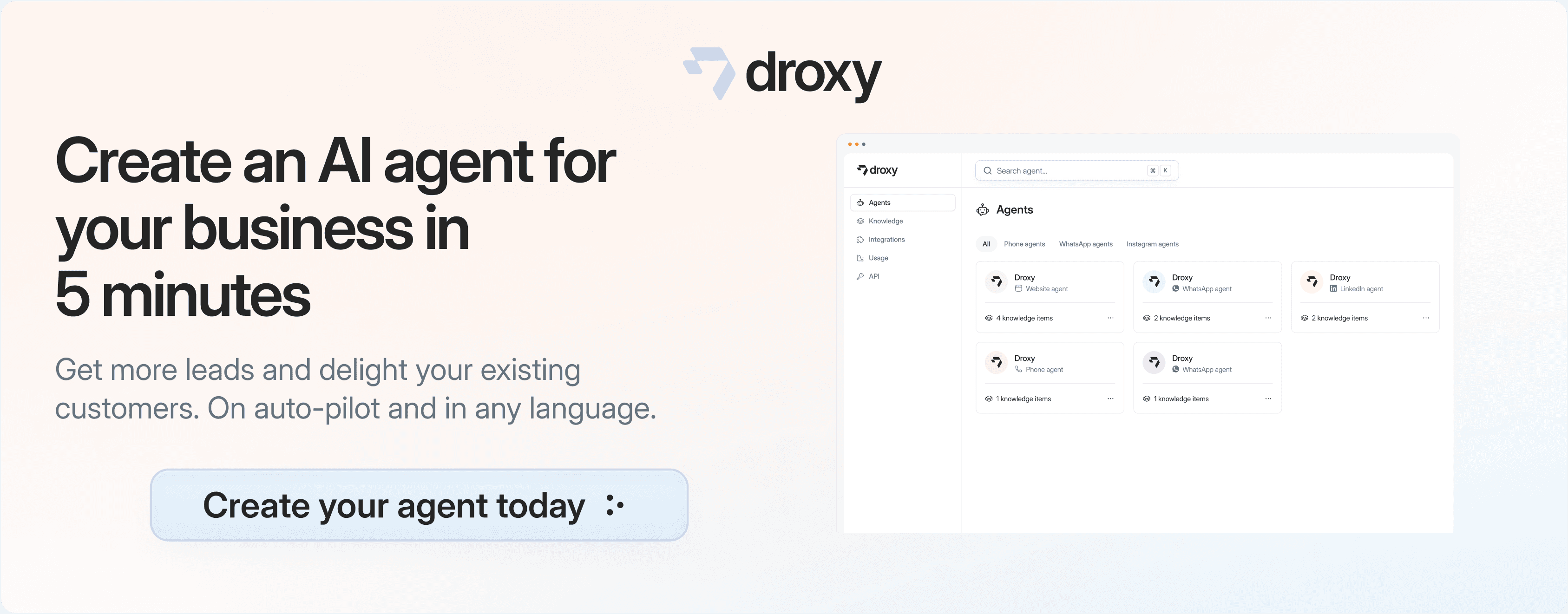
Turn every interaction into a conversion
Customer facing AI agents that engage, convert, and support so you can scale what matters.
✨
Learn more
Recent posts
Insights
3 min read
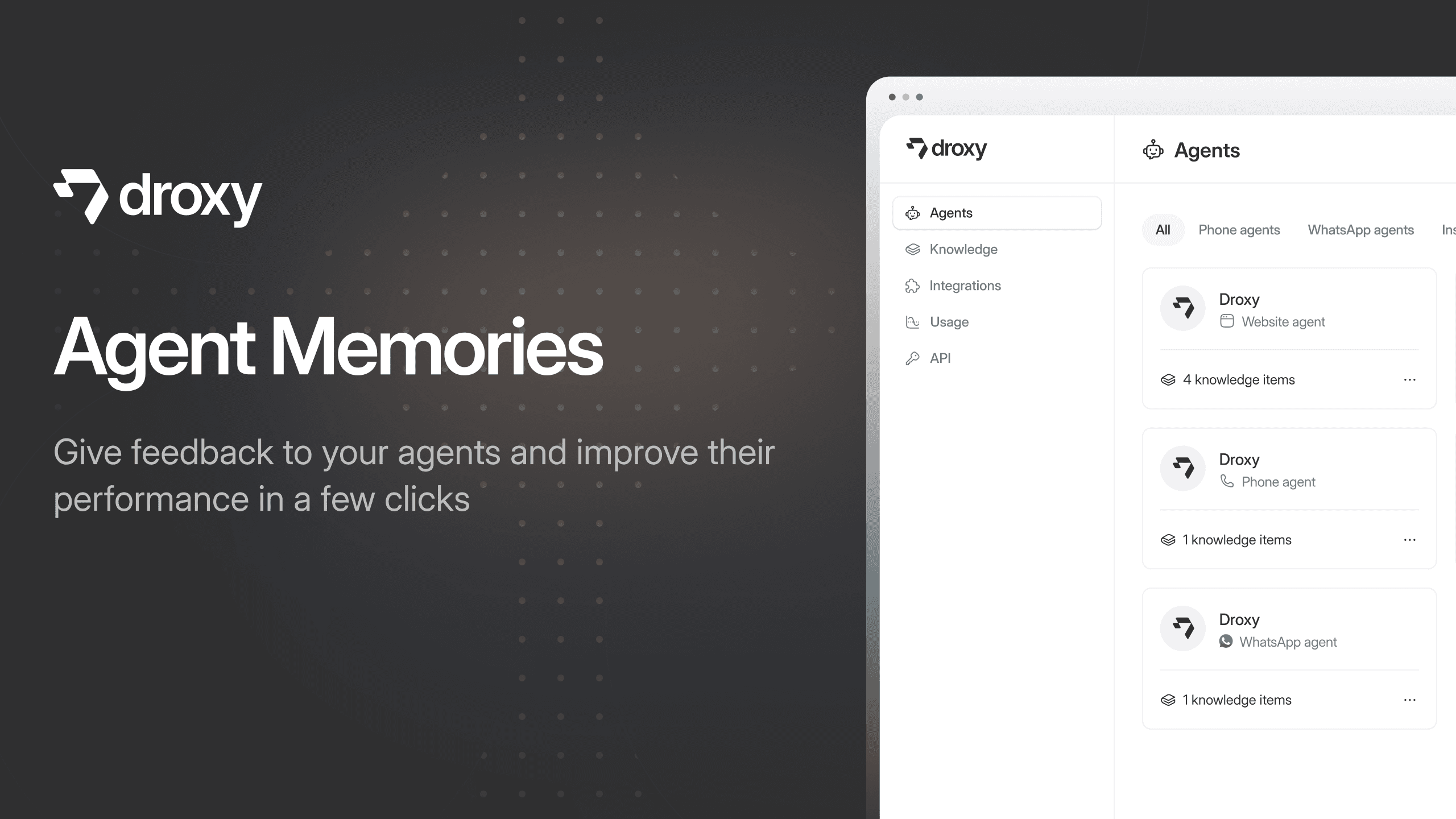
Introducing Agent Memories
Improve your agents' performance with Agent Memories. Prevent agents from repeating the same mistakes by giving them feedback.
Read more

Insights
15 min read
HVAC Marketing in 2025: The Definitive Lead Gen Guide
Discover 15 proven HVAC marketing strategies, plus learn how Droxy's AI website agent converts curious visitors into qualified leads by answering their questions instantly - right when they're most interested in your services.
Read more
Insights
10 min read
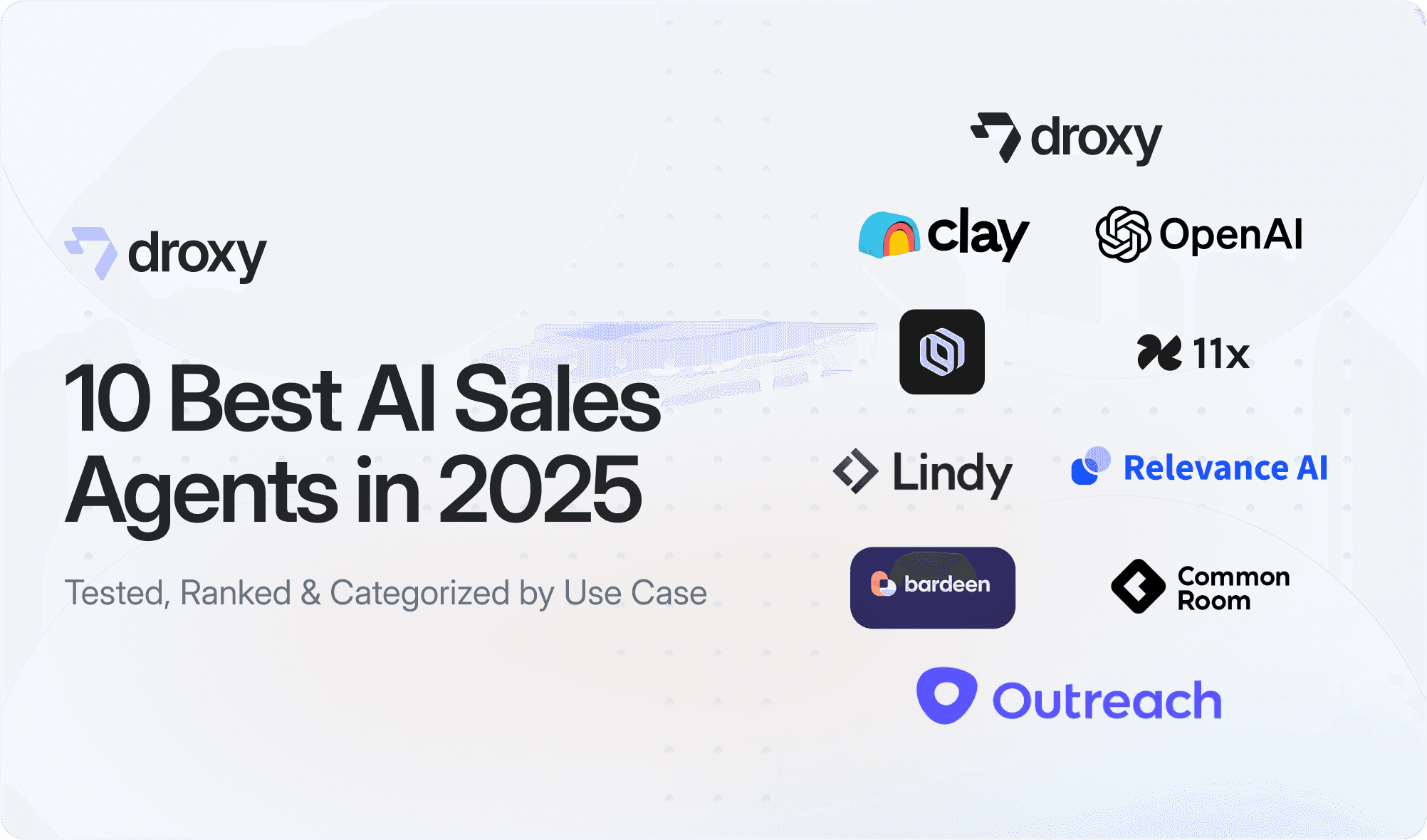
10 Best AI Sales Agents in 2025: Tested & Ranked
Discover the top 10 AI sales agents of 2025, designed to enhance lead generation, personalize outreach, and ultimately, close more deals
Read more
Insights
3 min read
Introducing Agent Memories
Improve your agents' performance with Agent Memories. Prevent agents from repeating the same mistakes by giving them feedback.
Read more
Insights
15 min read
HVAC Marketing in 2025: The Definitive Lead Gen Guide
Discover 15 proven HVAC marketing strategies, plus learn how Droxy's AI website agent converts curious visitors into qualified leads by answering their questions instantly - right when they're most interested in your services.
Read more